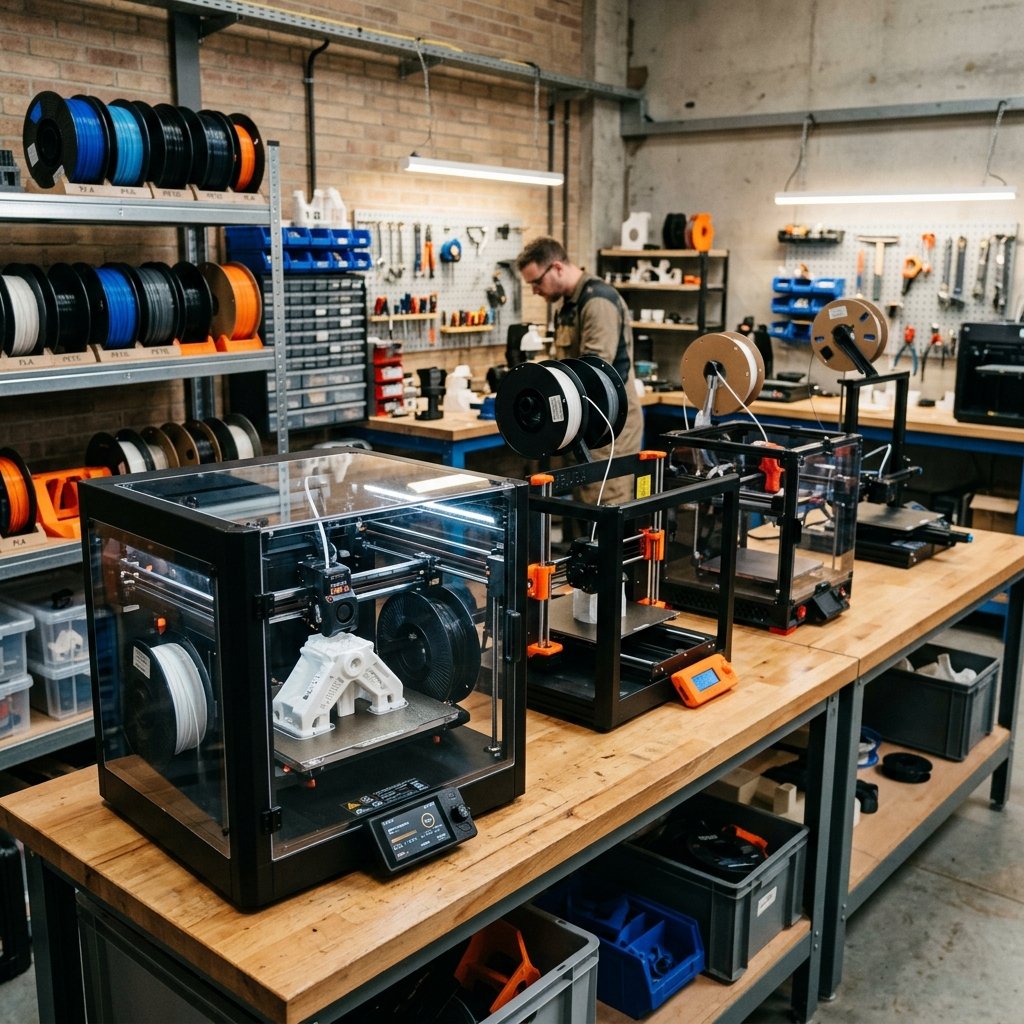
The landscape of Fused Deposition Modeling (FDM) 3D printing has experienced a seismic shift entering 2026. What was once considered a premium, high-end feature—such as CoreXY kinematics, active vibration compensation, automatic Z-offset calibration, and multi-color printing systems—has now become standard across both desktop hobbyist machines and professional workshop workhorses. Navigating the hundreds of options available on the market can be an overwhelming task, especially with manufacturers aggressively pushing new software ecosystems, proprietary cloud networks, and highly integrated multi-material accessories.
As the owner and lead technician of 3D Print Book, I operate a specialized print farm running exclusively FDM machines. I have spent years tuning slicing profiles, testing mechanical limits, and evaluating how different systems hold up under continuous production schedules. In this comprehensive guide, I will break down the absolute best FDM 3D printers of 2026. We will look closely at the budget-friendly machines perfect for beginners, the enclosed engineering powerhouses built for technical filaments, and the critical features you must look for to ensure your hardware investment remains future-proof. Crucially, we will contrast the philosophy of open-source, flexible firmware against closed, walled-garden ecosystems to help you make an informed decision.
Before diving into the specific printer models, it is worth noting why we focus so heavily on FDM technology. While SLA (resin) printing excels at ultra-fine detail, it involves messy post-processing and is poorly suited for structural, load-bearing parts. FDM printers are the true backbone of functional prototyping, manufacturing aids, and custom end-use parts. If you are still weighing these two technologies, I highly recommend reading our detailed FDM vs SLA comparison to see how they stack up in terms of mechanical properties and workflow safety.
What is the Best FDM 3D Printer for Beginners?
The best FDM 3D printer for beginners is the Creality SparkX i7 or Bambu Lab A1, offering automatic calibration, user-friendly software, and reliable out-of-the-box performance for under $400. These machines eliminate the tedious manual bed leveling of the past, allowing newcomers to focus on learning design and slicing rather than constant hardware troubleshooting.
For years, entering the 3D printing hobby meant spending hours leveling a heated bed with a piece of paper, manually adjusting eccentric spacers, and flashing custom firmware just to get a stable first layer. In 2026, that barrier to entry has completely vanished. The current generation of entry-level printers is fast, reliable, and highly automated. Let us evaluate the top three entry-level models dominating the market today:
1. Creality SparkX i7 (The Open-Source Budget & Multi-Color King)
Creality has completely redefined the beginner segment with the release of the Creality SparkX i7. Designed specifically for newcomers who want advanced features without a steep learning curve, the SparkX i7 brings multi-color printing and AI-enhanced features to the desktop budget market. While it utilizes a refined Cartesian bed-slinger kinematics system, its robust frame and advanced input shaping enable high-speed printing at up to 500 mm/s with an acceleration of 10,000 mm/s², ensuring fast turnarounds without sacrificing surface detail.
What sets the SparkX i7 apart is its incredible value and hardware freedom. It features tool-free quick-swap hotends, a fully automatic leveling system, and integration with the CFS Lite (Color Filament System) for automated four-color printing with 50% less waste than competing systems. An integrated 720p AI camera handles real-time monitoring and failure detection (such as spaghetti detection or air printing) out-of-the-box. Furthermore, the SparkX i7 runs on Creality OS—a customized, Klipper-based system. Unlike closed, cloud-dependent competitors, Creality OS allows users to access local web interfaces, write custom macros, and run the machine entirely offline. This open-source flexibility makes it the perfect beginner platform, ensuring users own their hardware and can customize it as they grow.
2. Bambu Lab A1 (The App-Driven Walled Garden)
The Bambu Lab A1 is a highly polished, bed-slinger style printer that appeals to beginners who want an "appliance-like" experience. It comes nearly fully assembled and features advanced sensors for automatic flow dynamics calibration and vibration compensation. When paired with the AMS Lite (Automatic Material System), it offers accessible multi-color printing at a very reasonable price.
However, this convenience comes with significant long-term trade-offs. The A1 is part of Bambu Lab's strictly closed-source ecosystem. The printer relies heavily on Bambu's proprietary cloud services for remote monitoring and slicing integration. If your internet connection goes down, or if the company decides to modify its cloud policies, you lose access to key features. Furthermore, customizing the firmware, writing custom calibration routines, or integrating third-party monitoring tools is virtually impossible. For beginners who value complete control over their hardware and local network privacy, the Bambu Lab A1's walled-garden approach can feel highly restrictive over time.
3. Elegoo Neptune 4 / Neptune 4 Pro (The Raw Budget Alternative)
Elegoo has carved out a strong position in the budget market with the Neptune 4 and Neptune 4 Pro. These machines ship with Klipper pre-installed on a dedicated mainboard, allowing for high-speed printing out-of-the-box. They feature a dual-gear direct drive extruder and a highly localized segmented heated bed (on the Pro model) to save energy on smaller prints.
While the Neptune 4 series offers incredible raw value, it requires a bit more mechanical inclination than the Creality SparkX i7. The Neptune 4's auto-bed leveling system still relies on an inductive probe that requires manual Z-offset calibration, which can occasionally drift, and it lacks the AI monitoring and quick-swap hotends that make the SparkX i7 so beginner-friendly. The Klipper implementation on the Neptune, while open, can sometimes be buggy. For pure plug-and-play reliability and effortless multi-color expansion on a budget, the SparkX i7 holds a clear edge.
Top Professional FDM Printers for Engineering Materials
For professional and engineering applications in 2026, the Creality K1C, Creality K2 Plus (with multi-color CFS), and Bambu Lab X1-Carbon lead the market with enclosed chambers, high-temperature nozzles (up to 350°C), and carbon fiber compatibility. These machines are designed to handle demanding industrial polymers that require precise thermal management to prevent warping and ensure structural integrity.
When printing functional prototypes, structural brackets, or components that will be exposed to high heat and mechanical stress, standard PLA and PETG often fall short. Professional applications require engineering materials like Carbon Fiber-reinforced Nylon (PA-CF), Polycarbonate (PC), ABS, and ASA. To print these materials reliably without interlayer delamination or severe warping, a closed CoreXY printer with a heated chamber and a high-temperature, wear-resistant toolhead is absolutely mandatory. Let us compare the leading professional options in 2026:
1. Creality K2 Plus with CFS (The Ultimate Multi-Color Powerhouse)
Creality's flagship release for 2026, the K2 Plus, represents a monumental leap forward for professional FDM printing. Boasting an expansive build volume of 350 x 350 x 350 mm, the K2 Plus is built on an ultra-rigid, die-cast aluminum frame designed to handle high-speed CoreXY movements with minimal resonance. The hotend reaches temperatures up to 350°C, and the print bed can heat up to 120°C, supported by an actively heated build chamber that maintains ambient temperatures up to 60°C. This active chamber heating is critical for eliminating residual thermal stresses in large ABS, ASA, and Polycarbonate parts.
The K2 Plus is paired with Creality's new Co-extrusion Filament System (CFS), a smart multi-color and multi-material unit. The CFS accommodates up to four spools per unit (daisy-chainable up to 16 colors) and features active humidity control, RFID filament recognition, and automatic spool backup switching. Unlike Bambu Lab's proprietary system, the K2 Plus runs on a fully open-source Klipper-based system, allowing engineers to write complex custom macros for material transitions, tune purge volumes to minimize waste, and control the entire print farm locally via secure web interfaces without sending sensitive proprietary CAD designs to external cloud servers. For professionals who require large-scale printing, engineering material compatibility, and strict data security, the Creality K2 Plus is the undisputed top choice of 2026.
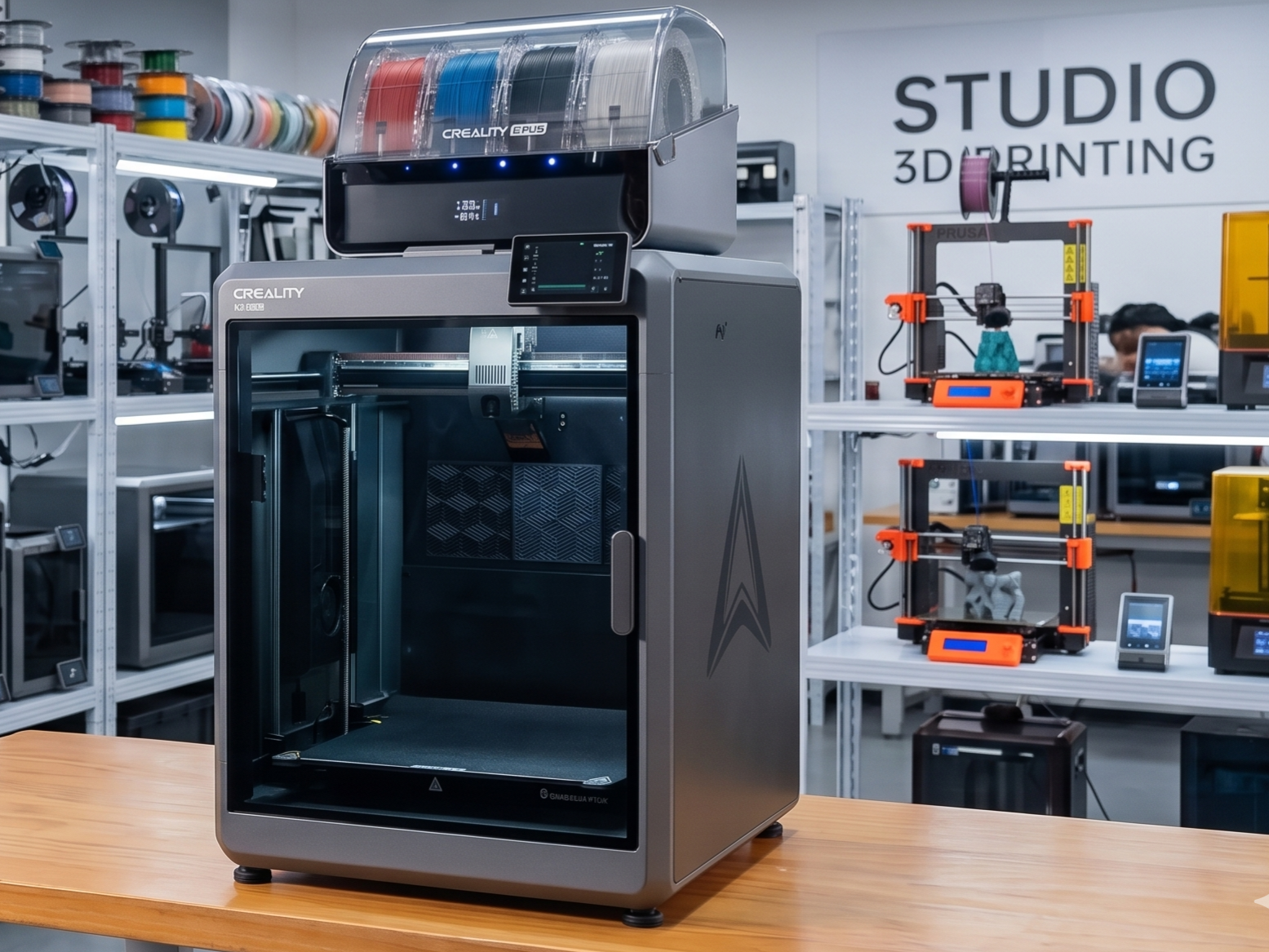
2. Creality K1C (The Compact Carbon-Fiber Specialist)
For workshops that do not require the massive build volume of the K2 Plus but still need to print high-strength carbon fiber parts, the Creality K1C is an exceptional, cost-effective choice. The "C" stands for carbon, highlighting its specialized out-of-the-box readiness for abrasive filaments. It features a hardened steel nozzle tip, a clog-resistant direct drive extruder, and an integrated camera with AI-assisted failure detection.
Operating the K1C in my print farm has shown me just how far Creality's quality control and hardware engineering have come. The machine is incredibly reliable, printing carbon-fiber Nylon (PA-CF) with clean surface finishes and high interlayer strength. Because it runs Klipper, we can easily calibrate the input shaping and pressure advance profiles for specific technical filaments. Its price-to-performance ratio makes it an ideal choice for setting up a multi-printer farm where deploying multiple expensive industrial machines would be cost-prohibitive.
3. Bambu Lab X1-Carbon (The Closed Pioneer)
The Bambu Lab X1-Carbon (X1C) was one of the early pioneers of high-speed, enclosed desktop CoreXY printing. It features a robust mechanical build, a lidar sensor for first-layer inspection, and a carbon-fiber X-axis gantry. When paired with the AMS, it handles multi-color prints with high reliability. It excels at printing PLA-CF, PETG-CF, and moderate ABS parts.
However, in 2026, the X1-Carbon has begun to lose ground to more modern, open systems like the Creality K2 Plus. The X1C's build volume is limited to 256 x 256 x 256 mm, which is increasingly restrictive for industrial prototyping. Furthermore, it lacks active chamber heating (relying entirely on passive heat from the bed), which leads to warping issues on larger ABS or Polycarbonate prints. Most importantly, the X1-Carbon remains locked down in Bambu Lab's closed ecosystem. Engineers cannot modify the g-code start sequences freely, adjust advanced motion parameters, or bypass the cloud server to run completely offline without losing camera feeds and mobile control. For professional environments where IP protection, custom material development, and firmware flexibility are paramount, the X1C's walled garden is a significant bottleneck.
Core Features to Look for in a 3D Printer in 2026
When buying an FDM printer in 2026, prioritize strain-gauge auto-bed leveling, vibration compensation (input shaping) for high speeds, and a dual-gear direct drive extruder. These core technologies ensure that your printer is capable of producing accurate, high-strength parts quickly and with minimal manual maintenance.
3D printing technology has progressed to the point where certain features are no longer optional extras; they are fundamental requirements for a modern workflow. If you are shopping for a new machine, make sure it includes the following technologies:
- Strain-Gauge or Load-Cell Auto-Leveling: Avoid printers that rely on manual bed leveling knobs or old-style physical contact probes (like BL-Touch) that require you to manually set and adjust the Z-offset. Modern strain-gauge systems measure the physical contact of the nozzle tip against the bed surface, automatically calculating a perfect, mathematically precise Z-offset every time, regardless of thermal expansion or sheet thickness.
- Vibration Compensation (Input Shaping): Printing at speeds of 300 mm/s to 600 mm/s generates massive inertial forces. Without vibration compensation, these forces translate into "ringing" or "ghosting" artifacts on your print walls. Input shaping uses internal accelerometers to measure the resonant frequencies of the printer's frame and dynamically applies opposite frequencies to the motors, neutralizing vibrations and ensuring crisp, smooth vertical surfaces.
- Dual-Gear Direct Drive Extruder: Bowden tube extruders (where the extruder motor is mounted on the frame and pushes filament through a long PTFE tube) are obsolete for modern high-speed printing. A dual-gear direct drive extruder mounted directly on the print head provides immediate, precise control over filament extrusion and retraction, which is essential for printing flexible filaments (TPU) and preventing stringing. To understand the thermal and structural demands different filaments place on your extruder, make sure to consult our comprehensive materials guide.
- Open-Source Firmware (Klipper-based): In 2026, the debate between open and closed systems is more critical than ever. Klipper-based printers utilize a powerful external processor (like a Raspberry Pi or an onboard Linux chip) to perform complex trajectory planning, leaving the mainboard free to handle motor execution. Choosing an open-source Klipper machine (like Creality\'s SparkX i7 or K2 Plus) ensures you have full access to your configuration files, can integrate third-party cameras, write custom macros, and operate your hardware locally without cloud-mandated logins.
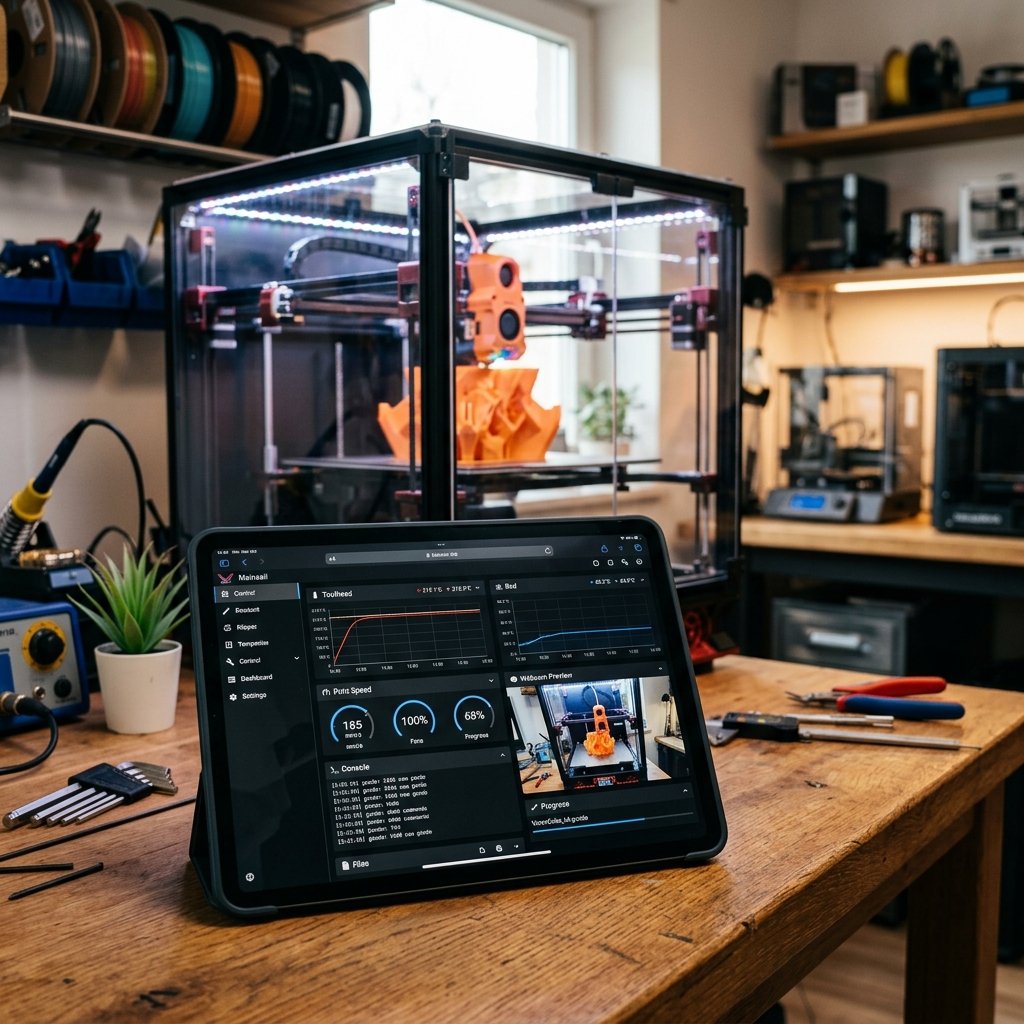
Maker's Workshop Note: A closed ecosystem might offer a slightly faster initial setup, but the moment you need to calibrate a custom engineering material, run your machine on a secure offline network, or replace a proprietary component, you will realize the true value of an open-source Klipper-based system. Creality has done a phenomenal job in 2026 by embracing Klipper and giving the community full hardware control.
FDM 3D Printer Comparison Matrix (2026 Models)
To help you compare the leading FDM 3D printers of 2026, I have compiled this technical specification matrix based on hands-on performance data from our workshop:
| Printer Model | Kinematics | Build Volume (mm) | Max Temp (Nozzle/Bed) | Chamber Heating | Firmware Ecosystem | Multi-Color Support | Target User |
|---|---|---|---|---|---|---|---|
| Creality SparkX i7 | Cartesian (Bed-slinger) | 260 x 260 x 255 | 300°C / 100°C | None (Open Frame) | Open-Source (Creality OS / Klipper) | Yes (CFS Lite - 4 colors) | Beginners & Hobbyists |
| Bambu Lab A1 | Cartesian (Bed-slinger) | 256 x 256 x 256 | 300°C / 100°C | None (Open Frame) | Closed-Source (Proprietary) | Yes (AMS Lite - 4 colors) | Beginners (Plug & Play) |
| Elegoo Neptune 4 Pro | Cartesian (Bed-slinger) | 225 x 225 x 265 | 300°C / 110°C | None (Open Frame) | Open-Source (Standard Klipper) | No | Tinkerers & Budget Users |
| Creality K1C | CoreXY | 220 x 220 x 250 | 300°C / 100°C | Passive (Enclosed) | Open-Source (Creality OS / Klipper) | No | Hobbyists & Light Pro (CF) |
| Creality K2 Plus | CoreXY | 350 x 350 x 350 | 350°C / 120°C | Active (Up to 60°C) | Open-Source (Creality OS / Klipper) | Yes (CFS - Up to 16 colors) | Professionals & Print Farms |
| Bambu Lab X1-Carbon | CoreXY | 256 x 256 x 256 | 300°C / 110°C | Passive (Enclosed) | Closed-Source (Proprietary) | Yes (AMS - Up to 16 colors) | Prosumers (Cloud-dependent) |
Frequently Asked Questions (FAQ)
Q1: Why should I prefer an open-source Klipper printer over a closed system in 2026?
An open-source Klipper-based printer allows full access to the configuration files, custom macros, third-party plug-ins, and local network control without relying on proprietary cloud services. This prevents obsolescence, gives the user complete ownership of their hardware, and avoids the restrictive walled garden policies of closed ecosystems. It also ensures that your IP remains secure, as you do not need to upload CAD files to remote servers to print.
Q2: Is multi-color printing worth the extra cost for beginners?
Yes, systems like Creality's CFS make multi-color printing highly accessible. Beyond multi-color aesthetics, multi-material systems are incredibly useful for automatically loading backup spools (runout transition) or using dedicated support filaments like PVA or break-away support materials, which greatly simplifies complex geometry printing.
Q3: Can I print carbon fiber and nylon on a budget FDM printer?
Technically yes, but it requires substantial upgrades. You will need a hardened steel nozzle to withstand the abrasion of carbon fiber, an all-metal hotend capable of reaching 300°C, and a heated enclosure to prevent nylon from warping. Professional machines like the Creality K1C or K2 Plus come with these features standard, making them far more reliable out-of-the-box.
Q4: What is the difference between a CoreXY system and a Cartesian bed-slinger like the Creality SparkX i7?
CoreXY kinematics use a coordinated dual-belt system in the horizontal plane (X and Y axes) while the bed moves slowly along the Z-axis, ideal for fast, stable printing of heavy parts. Cartesian bed-slingers, like the Creality SparkX i7, move the bed along the Y-axis and the print head along the X-axis, which is a simpler, more cost-effective design that can still achieve impressive speeds of up to 500 mm/s with modern input shaping.
Q5: Why is active chamber heating important for engineering filaments?
Active chamber heating controls the ambient temperature inside the enclosure (typically 50°C to 65°C), which slows down the cooling rate of extruded thermoplastics like ABS, ASA, and Polycarbonate. This minimizes thermal gradients, prevents internal residual stresses, and eliminates the warping and interlayer delamination common in unheated or open-frame printers.
About the Author: Dinu Suciu
I am Dinu Suciu, the lead technician and owner of 3D Print Book. Operating an FDM-focused 3D printing workshop, I have spent years optimizing slicer parameters and testing the physical limits of engineering filaments. My passion lies in helping designers, engineers, and makers convert digital CAD designs into robust, functional physical prototypes that perform reliably under real-world stress. If you need assistance troubleshooting a structural component or selecting the right material properties, feel free to contact me directly via our dedicated contact page.