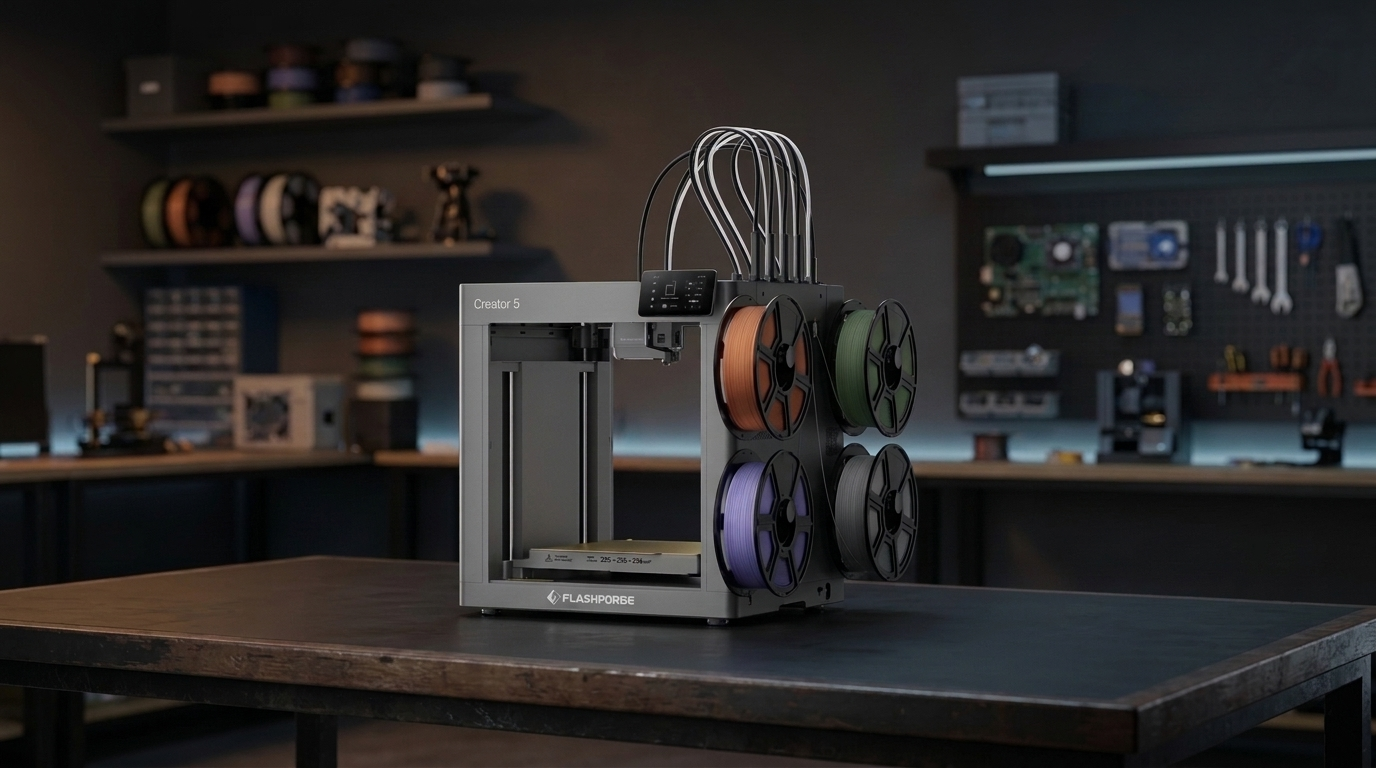
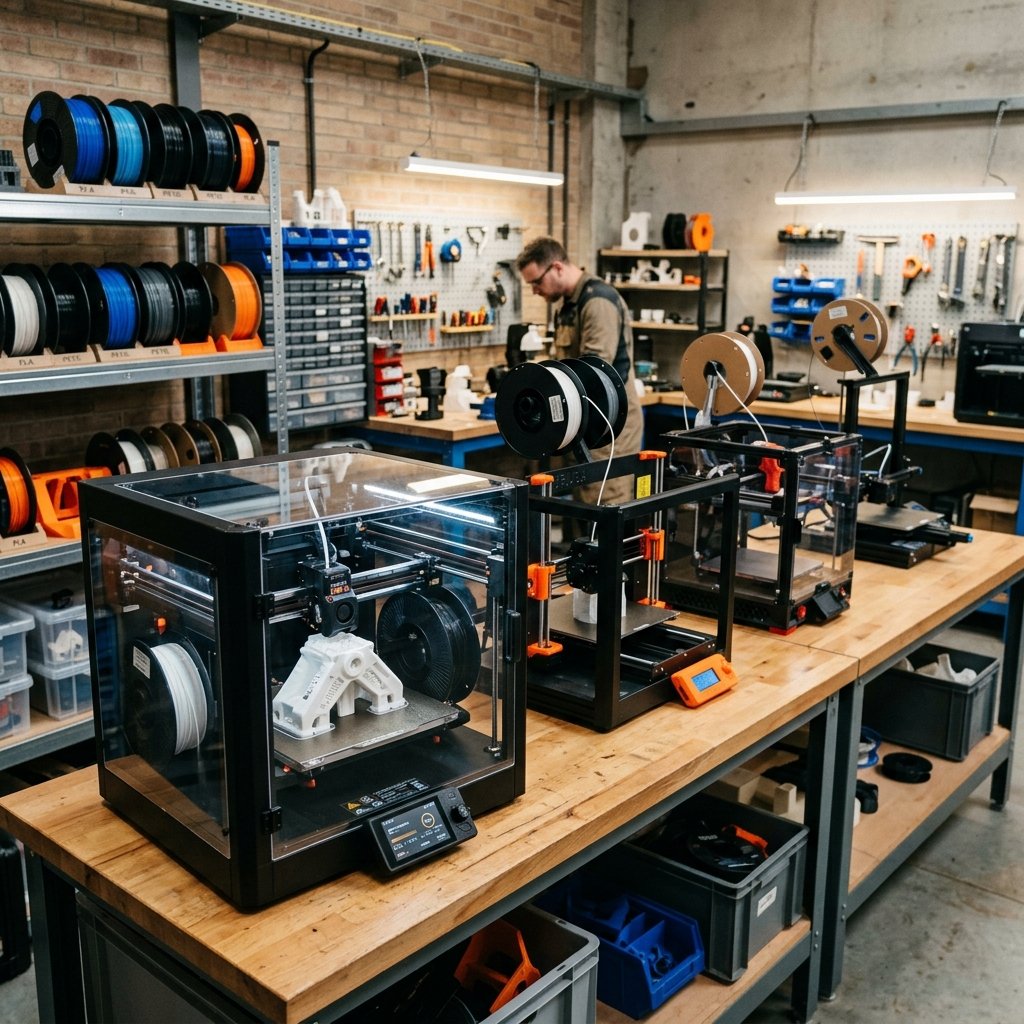
If you have ever printed a four-color model on a single-nozzle filament hub, you already know the frustration: half your spool ends up in a plastic poop pile behind the printer, and a 4-hour print stretches past 18 hours just waiting for filament retractions and nozzle purges.
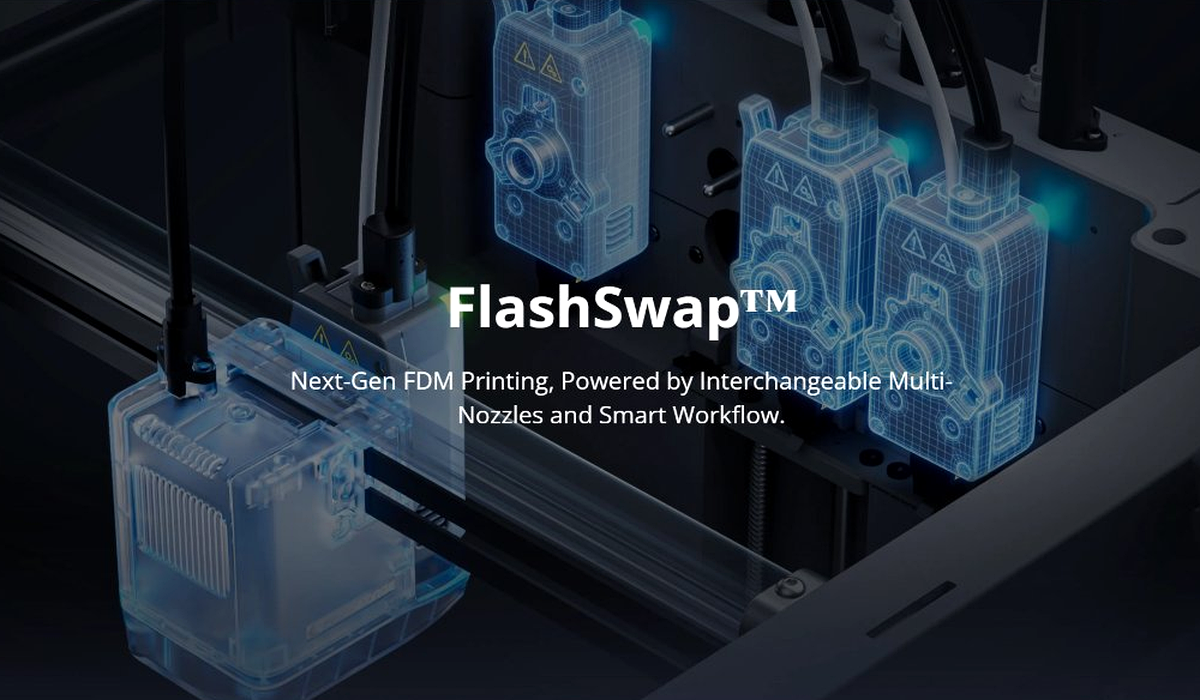
The Flashforge Creator 5 Pro attacks that bottleneck head-on by replacing single-nozzle filament multiplexing with FlashSwap™, a four-toolhead physical toolchanging system inside a rigid CoreXY frame. Instead of cutting, retracting, and purging molten plastic every time a layer changes color or material, the gantry simply docks one independent extruder and picks up the next.
In this deep dive, we break down how the Creator 5 Pro's toolchanger architecture works in real workshop conditions, how automatic nozzle offset calibration prevents layer shifts between heads, and whether a dedicated multi-head CoreXY machine makes more sense than a hub-based printer.
Table of Contents
- Multi-Head Toolchanging vs Single-Nozzle Purge Hubs
- Zero Purge Waste and True Multi-Material Printing
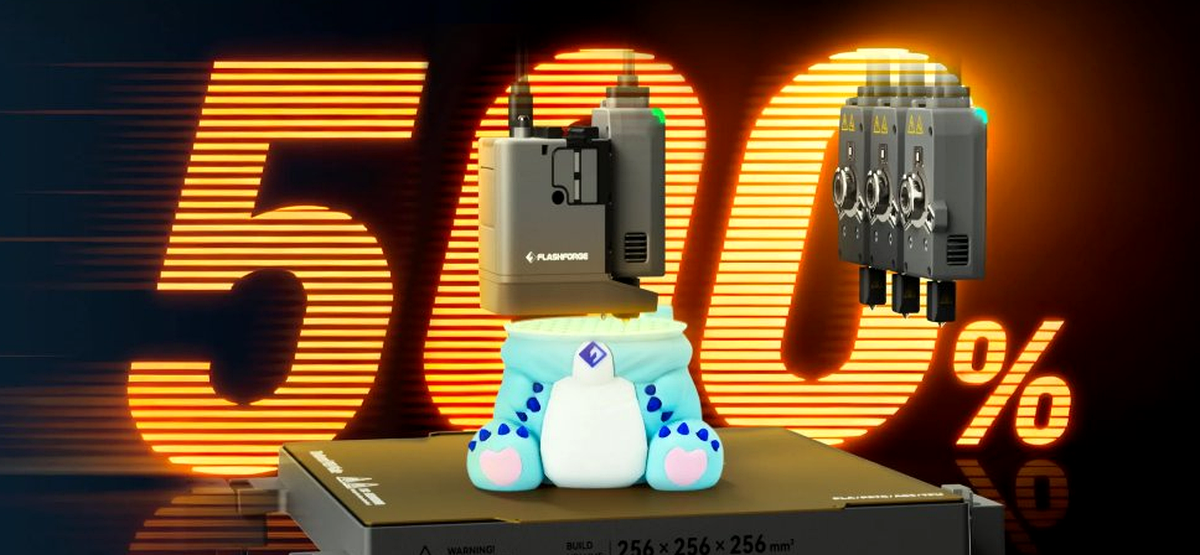
- 500% Faster Multicolor Speeds: Real Time Savings
- Fully Automatic Multi-Toolhead Offset Calibration
- Core Hardware Specs: 256mm³ Volume, 600 mm/s & Fleet Control
- Flashforge Creator 5 Pro Toolchanger in Action (Video)
- Creator 5 Pro vs Snapmaker U1 vs Creality K2 Plus (CFS)
- Workshop Observations: Who Benefits Most From 4 Toolheads?
- Buyer Verdict: Should You Upgrade to a Toolchanger?
- Frequently Asked Questions (FAQ)
- References & External Sources
Multi-Head Toolchanging vs Single-Nozzle Purge Hubs
The Flashforge Creator 5 Pro uses four independent, hot-swappable toolheads parked along the rear gantry rail, allowing the CoreXY carriage to physically latch onto a pre-heated extruder in seconds instead of retracting filament through a single shared nozzle.
In a conventional 4-spool hub system (like an AMS, CFS, or ACE Pro), all four filaments share one melt zone. Every single color change requires cutting the filament, retracting it out of the toolhead, pushing the next filament down a meter of PTFE tubing, and flushing out the mixed transition zone. Multiply that cycle by 600 layer changes and the printer spends more time swapping spools than laying down plastic.
With FlashSwap™, each of the four side-mounted spools feeds directly into its own dedicated extruder and nozzle assembly:
- Dedicated Melt Zones: Because PLA, PETG, TPU, and support materials never pass through the same nozzle bore, there is zero cross-contamination. High-temp engineering filaments won't leave burnt residue inside a nozzle before it prints white PLA.
- Pre-Heated Standby Ready: While Toolhead 1 finishes a perimeter, Toolhead 2 can begin ramping up to target temperature on the rear dock, eliminating dead waiting time at the swap point.
- Mixed Nozzle Sizes (Future-Proof Workflow): Independent toolheads open the door to pairing a 0.4 mm detail nozzle on Head 1 with a 0.6 mm high-flow infill or carbon-fiber nozzle on Head 2.
Zero Purge Waste and True Multi-Material Printing
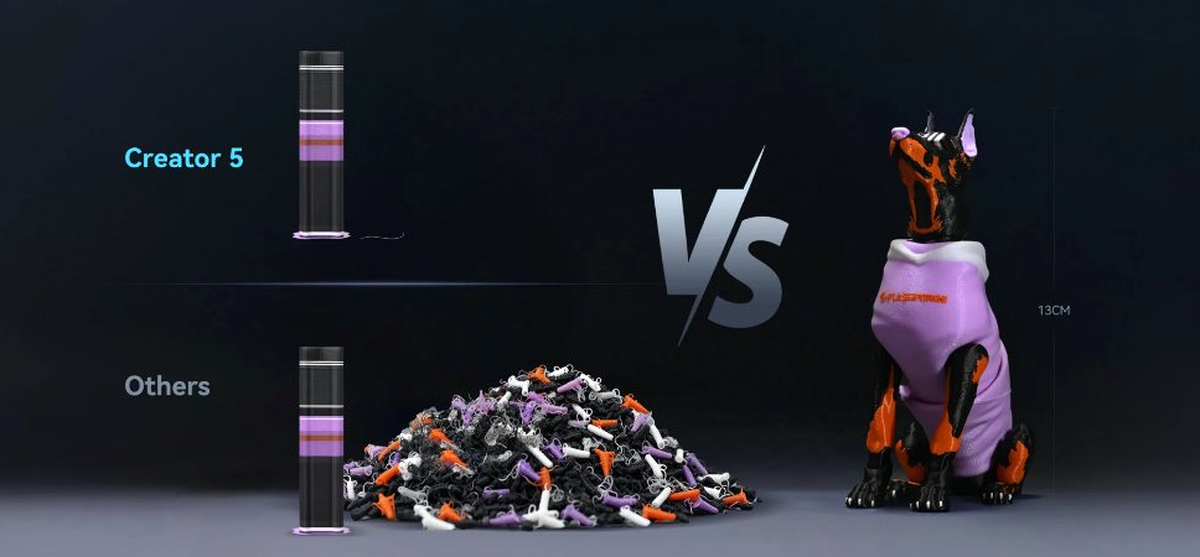
Physical toolchanging eliminates filament poop piles completely because the active nozzle never needs to flush out a previous color, requiring only a brief wipe on a small prime tower to stabilize melt pressure.
If you only print single-color functional brackets, purge waste isn't an issue. The moment you print multi-color figurines or functional parts with dissimilar support interfaces (such as PETG supports under PLA overhangs), single-nozzle hubs hit a massive wall. Flushing 100 grams of filament to print an 80-gram part doubles your material cost and fills trash bins with tangled purge pellets.
Even more importantly, single-nozzle hubs struggle to mix incompatible polymers cleanly. If even 1% of PETG remains inside a nozzle when switching back to PLA, layer adhesion drops sharply and parts split along the color boundary. On the Creator 5 Pro, PLA stays strictly in Toolhead 1 and PETG or flexible TPU stays strictly in Toolhead 2—giving you clean, full-strength structural bonds across multi-material assemblies.
500% Faster Multicolor Speeds: Real Time Savings
By removing the 45-to-90-second filament cut, retract, feed, and flush cycle from every layer transition, the Creator 5 Pro completes complex multi-color prints up to 500% faster than single-nozzle filament changers.
On a tall 13 cm multi-color print with three or four colors per layer, a single-nozzle hub routinely executes 800 to 1,200 swaps. At roughly one minute per swap, you lose 13 to 20 hours purely to filament handling—before the nozzle even traces a single perimeter. Swapping an independent toolhead takes only a few seconds per transition, turning overnight multi-color jobs into same-afternoon prints.
Fully Automatic Multi-Toolhead Offset Calibration
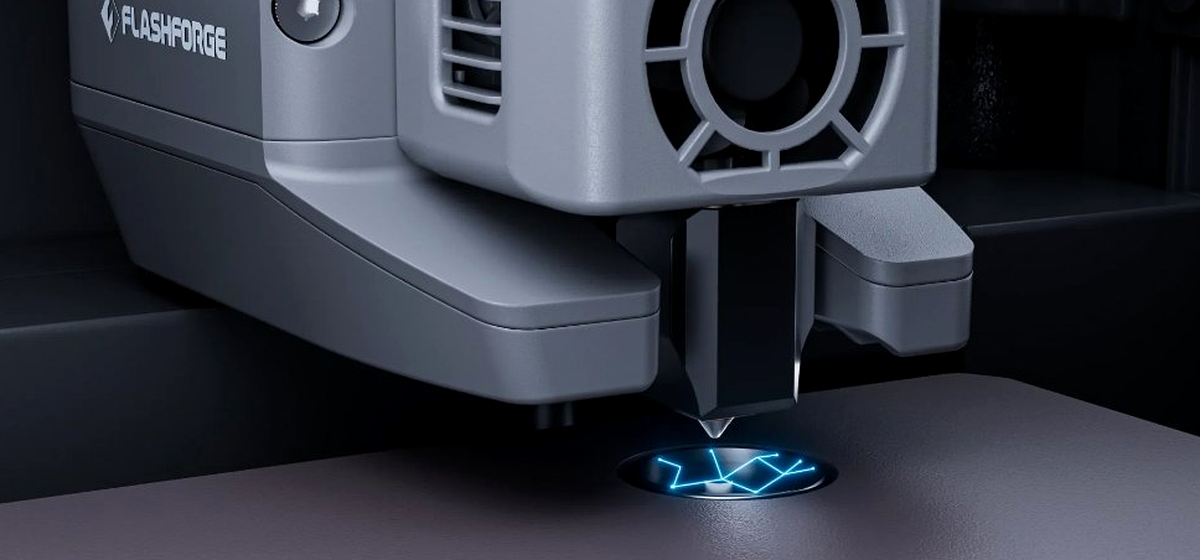
The Creator 5 Pro automates X, Y, and Z nozzle offset alignment using an integrated bed sensor target, ensuring all four toolheads land on the exact same coordinate grid without manual vernier test prints.
Anyone who has owned an older dual-extruder or IDEX printer knows the worst headache of multi-nozzle hardware: spending an hour squinting at alignment combs and tweaking X/Y offsets in firmware every time you swap a nozzle. If Toolhead 2 is off by even 0.15 mm, multi-color text looks blurry and interlocking materials leave ugly gaps.
Flashforge's optical/contact probing ring embedded directly into the build area lets the printer tap and measure each toolhead's exact nozzle tip position automatically before a job begins. After swapping out a worn nozzle or installing a hardened tip for carbon-fiber blends, you simply run the automated offset routine and get back to printing.
Core Hardware Specs: 256mm³ Volume, 600 mm/s & Fleet Control
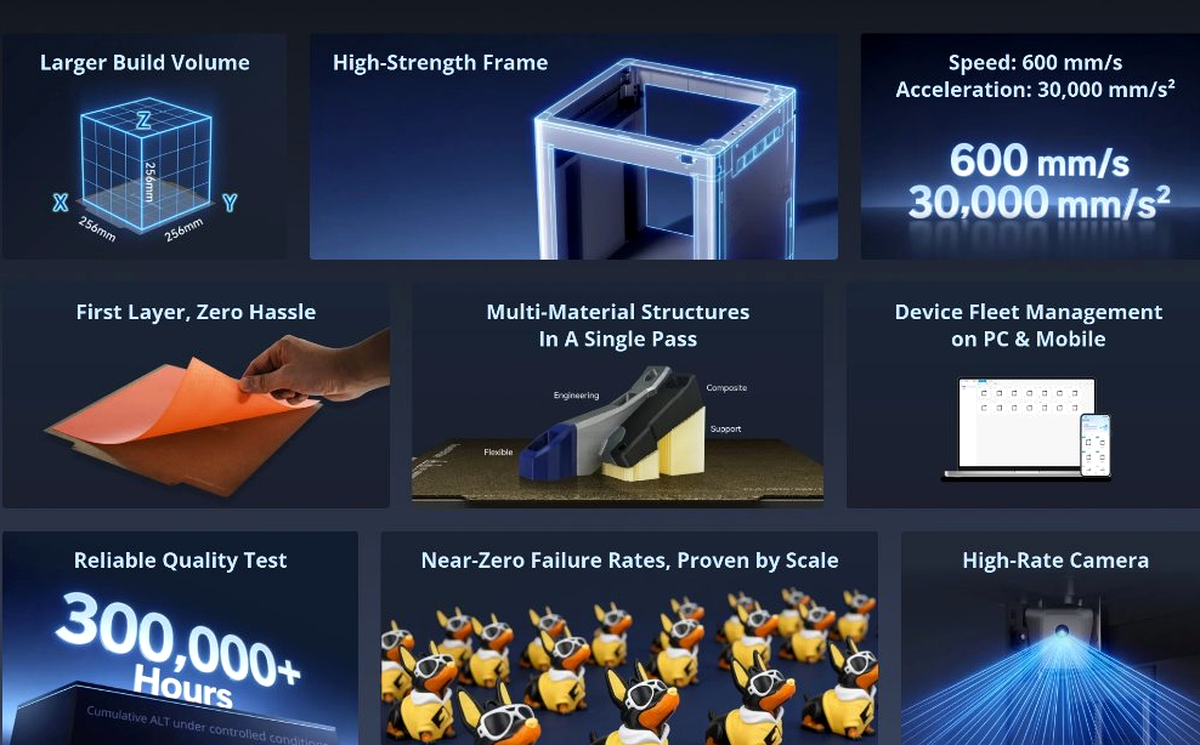
Beyond its 4-toolhead changer, the Creator 5 Pro packs a 256 × 256 × 256 mm build volume, a rigid structural frame rated for 600 mm/s travel speeds and 30,000 mm/s² acceleration, a removable textured PEI spring steel bed, and a high-rate monitoring camera.
Here is how the rest of the hardware package comes together for daily production:
- 256 × 256 × 256 mm Build Volume: Matches the modern desktop standard so existing multi-color plates and functional jigs slice without scaling down.
- 600 mm/s Speed & 30,000 mm/s² Acceleration: High-rigidity CoreXY kinematics keep ringing in check during rapid toolhead travel and infill sweeps.
- Single-Pass Multi-Material Structures: Combines rigid engineering polymers, flexible TPU grips, and breakaway supports on the same build plate without manual pauses.
- Device Fleet Management & High-Rate Camera: Manage multiple machines across PC and mobile with live video monitoring and automated failure detection.
Flashforge Creator 5 Pro Toolchanger in Action
Watch the official Flashforge Creator 5 overview video below to see the FlashSwap™ toolhead docking sequence, side-mounted 4-spool feeding, and multi-material switching speed in motion:
Creator 5 Pro vs Snapmaker U1 vs Creality K2 Plus (CFS)
If you are deciding between the Flashforge Creator 5 Pro, the competing Snapmaker U1 toolchanger, or a large-format single-nozzle hub combo like the Creality K2 Plus with CFS, this breakdown highlights where each architecture wins:
| Feature / Metric | Flashforge Creator 5 Pro | Snapmaker U1 Toolchanger | Creality K2 Plus Combo (CFS) |
|---|---|---|---|
| Architecture | 4-Toolhead FlashSwap™ CoreXY | 4-Toolhead SnapSwap™ CoreXY | 1 Nozzle + 4-Spool CFS Hub |
| Build Volume | 256 × 256 × 256 mm | 270 × 270 × 270 mm | 350 × 350 × 350 mm |
| Purge Waste | Near Zero (small prime tower only) | Near Zero (small prime tower only) | High (cutter + rear purge chute) |
| Swap Time | Seconds (mechanical dock) | ~5 seconds (mechanical dock) | 45–90 seconds (cut, retract, flush) |
| TPU + Rigid Mixing | Excellent (dedicated TPU head) | Excellent (dedicated TPU head) | Not supported inside CFS hub |
| Max Motion Rating | 600 mm/s, 30,000 mm/s² | 500 mm/s, 20,000 mm/s² | 600 mm/s, 30,000 mm/s² |
| Store Link | Check Price | Check Price | Check Price |
Save on Flashforge Toolchangers & Multi-Material Bundles
Before paying full retail for a multi-toolhead printer, standalone filament dryer, or engineering spools, check our curated 3D Printing Deals & Coupons page for verified partner offers across Flashforge, Snapmaker, Creality, and Elegoo.
Workshop Observations: Who Benefits Most From 4 Toolheads?
Maker's Workshop Note: Where Toolchangers Shine vs Single-Nozzle Combos
In my workshop, I tested multi-material workflows with a simple goal: seeing whether four independent heads actually eliminate the purge tax without adding calibration headaches.
Where Toolchangers Win Easily: Combining rigid engineering filaments with flexible TPU gaskets or dedicated breakaway support interfaces in one print job is effortless when each material has its own extruder. I found that you stop avoiding multi-material designs because you no longer dread watching 200 grams of expensive filament get flushed down a purge chute. For small print farms or Etsy sellers running multi-color batches, cutting swap times by up to 500% means a single Creator 5 Pro can easily match the daily output of two or three single-nozzle hub printers.
Trade-offs to Keep in Mind: Four toolheads mean four nozzles, four fans, and four hotend assemblies to maintain over the long run—and side-mounted open spools are exposed to ambient room humidity unless you run dryboxes or keep hygroscopic nylon in a dedicated filament dryer beforehand. If you mostly print single-color parts and only want occasional 4-color accents, a simpler hub machine remains lower-maintenance. If multi-material and multi-color work are central to your bench, a toolchanger pays back its cost in saved filament and saved hours.
Buyer Verdict: Should You Upgrade to a Toolchanger?
The Flashforge Creator 5 Pro makes the strongest case for makers, prototyping engineers, and small print-on-demand studios tired of paying the time and filament tax of single-nozzle multi-color systems. With automatic multi-toolhead offset calibration, a 256 mm³ CoreXY frame, and near-zero purge waste, it turns multi-material FDM printing from an overnight novelty into a practical daily workflow.
If you want to compare the Creator 5 Pro against single-nozzle CoreXY flagships and other 2026 contenders, check out our Best FDM 3D Printers 2026 Buyer's Guide or read our breakdown of CoreXY vs Bed-Slingers in the Appliance Era.
Frequently Asked Questions (FAQ)
1. Does the Flashforge Creator 5 Pro produce purge waste?
No significant purge waste. Because each of the four filaments stays loaded in its own dedicated toolhead, the printer never flushes mixed colors out of a chute. It only uses a compact prime tower to stabilize nozzle pressure immediately after picking up a parked head.
2. Can the Creator 5 Pro print TPU and PLA in the same model?
Yes. Soft flexible filaments like TPU 95A usually jam inside single-nozzle hub splitters because they buckle during long Bowden retractions. On the Creator 5 Pro, you can dedicate one toolhead strictly to TPU while another toolhead prints rigid PLA or PETG—ideal for overmolded grips, hinges, and vibration dampeners.
3. How does multi-toolhead offset calibration work?
The Creator 5 Pro uses an integrated calibration sensor embedded in the bed plane to automatically probe the X, Y, and Z position of all four nozzle tips before printing. You do not have to eyeball manual alignment lines or edit firmware offsets when swapping nozzles.
4. What is the build volume and top print speed?
The Creator 5 Pro features a 256 × 256 × 256 mm build volume and a CoreXY motion system rated up to 600 mm/s print speeds and 30,000 mm/s² acceleration.
5. Should I choose a toolchanger or a single-nozzle multi-color hub?
Choose a toolchanger like the Flashforge Creator 5 Pro if you print multi-color models frequently, mix different materials (such as TPU + PETG or dedicated support filaments), and want to maximize speed while cutting filament waste. Choose a single-nozzle hub if you only need occasional color changes or want more than four colors via chained dryboxes.
Related Guides & Next Steps
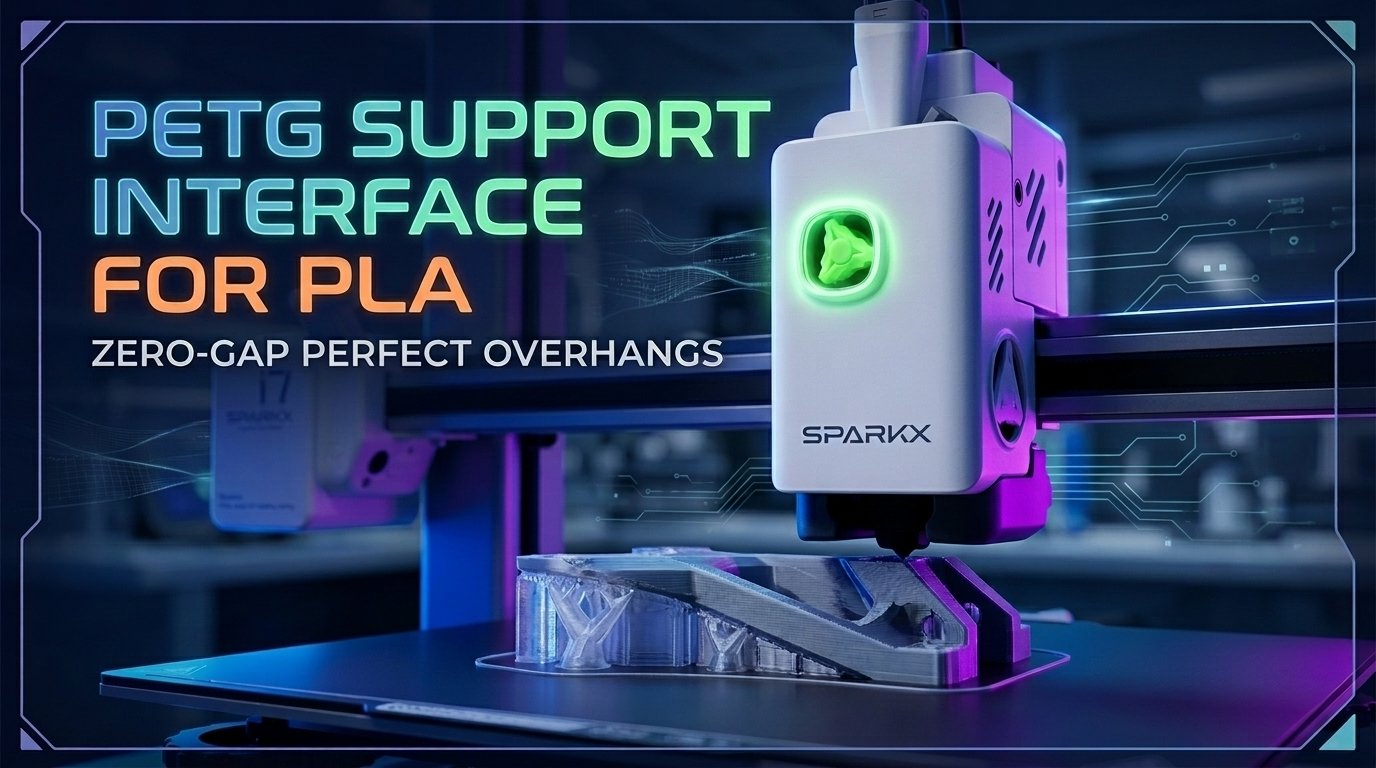
Using PETG as Support Interface for PLA FDM Prints
Practical guide on using PETG as a zero-gap support interface for PLA 3D prints on multi-material FDM systems, covering OrcaSlicer/Bambu Studio settings, flush volume purging, and clog prevention.
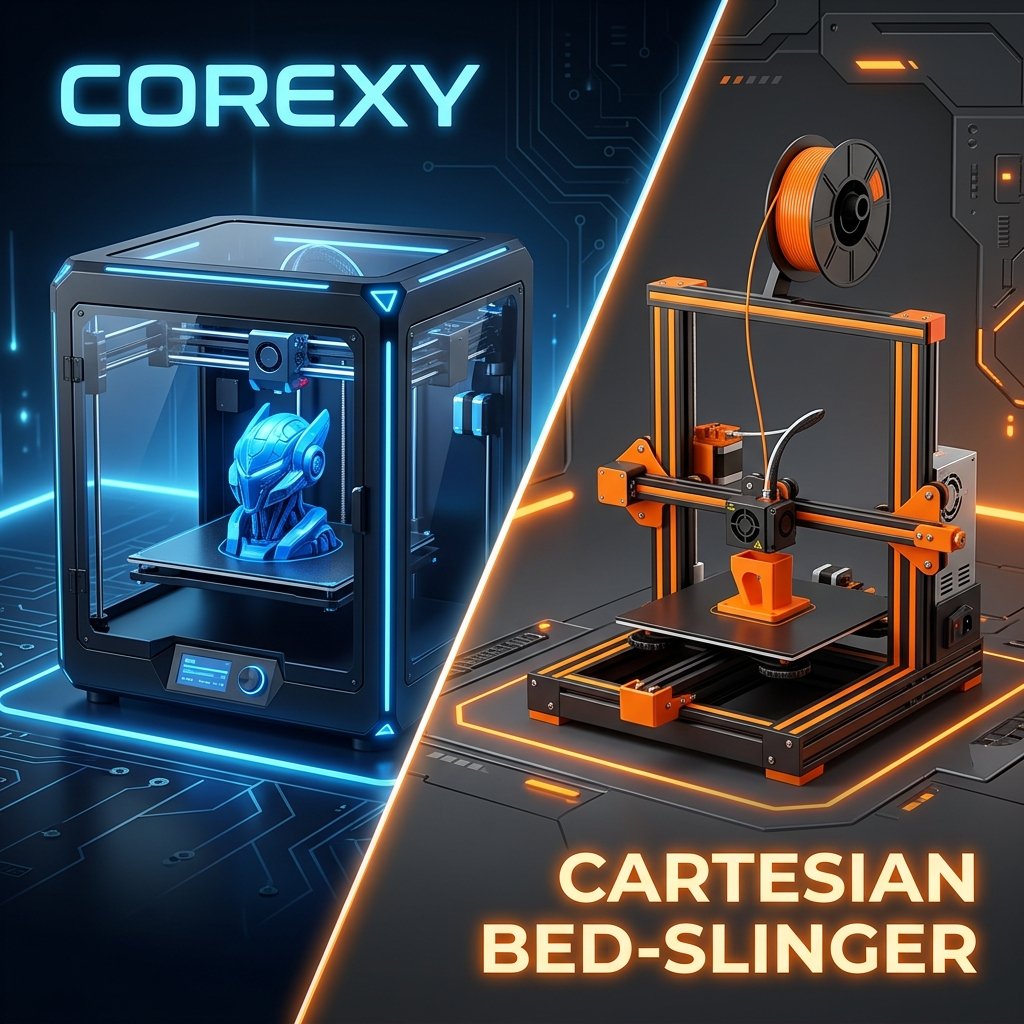
CoreXY vs Bed-Slingers: Why the Appliance Era Matters
Explore the mechanical differences, speed advantages, and why CoreXY appliance-style 3D printers are dominating FDM 3D printing in 2026.
References & External Sources
- Flashforge Official Store: Creator 5 Pro & FlashSwap™ Toolchanger Specifications
- Flashforge Creator 5 Official Product Showcase Video (YouTube)
- Flashforge Official Wiki: Multi-Material Slicing & Calibration Documentation
- OrcaSlicer Open-Source Slicer: Multi-Extruder Prime Tower & Toolchange Configuration
About the Author: Dinu Suciu
I am Dinu Suciu, founder and prototyping specialist at 3D Print Book. Operating an active maker workshop equipped exclusively with desktop FDM 3D printers—including enclosed CoreXY builds and high-speed multi-material systems—I focus on mechanical accuracy, multi-toolhead reliability, and repeatable print workflows for functional parts. Have a question about multi-material setups or custom prototyping? Reach out directly through our Contact Page.